Help
Getting started
Overview
Overview
What to Expect
Pre-Session Checklist
Your Onboarding Session
Platform Mental Model
Admin & Operator Essentials
Guardrails and Governance
What to Use When
Roles and Responsibilities
Post-Session Next Steps
Optional Deep-Dives
Deep-Dive: Agents and Prompts
Deep-Dive: Search and Knowledge
Deep-Dive: Functions and Secure Services
Deep-Dive: Handoff and Escalation
Deep-Dive: Voice Mode
Deep-Dive: Analytics and Improvement
Facilitator Guide
Account
Configure the service
Overview
General
User Interface
UI Design
Custom External Scripts
Agent Messages
Voice Mode
Analytics
Admin Chat
Knowledge & search
Data Sync
Upload Documents
Search Settings
Overview
Concepts
AI Assistant
Categories
Scopes
Index Fields
Facets
Result Cards
Saved Results
Layout
Website Integration
Styling
Testing Preview
Funnelback Migration
Troubleshooting
Curated Answers
Agents & prompts
Agents, Prompts & Functions
Live operations
Overview
Customer Service Insights
Search Insights
Taxonomy Categories
Semantic Themes
Voice Of Customer
More
Overview
Identity Provider
Widget
SharePoint Integration
How It Works
SharePoint Checklist
Implementation Checklist
Support
Contact Support
Privacy
Airgentic Help
The Privacy screen controls how long Airgentic retains conversation data for your service, and what is deleted when that period expires.
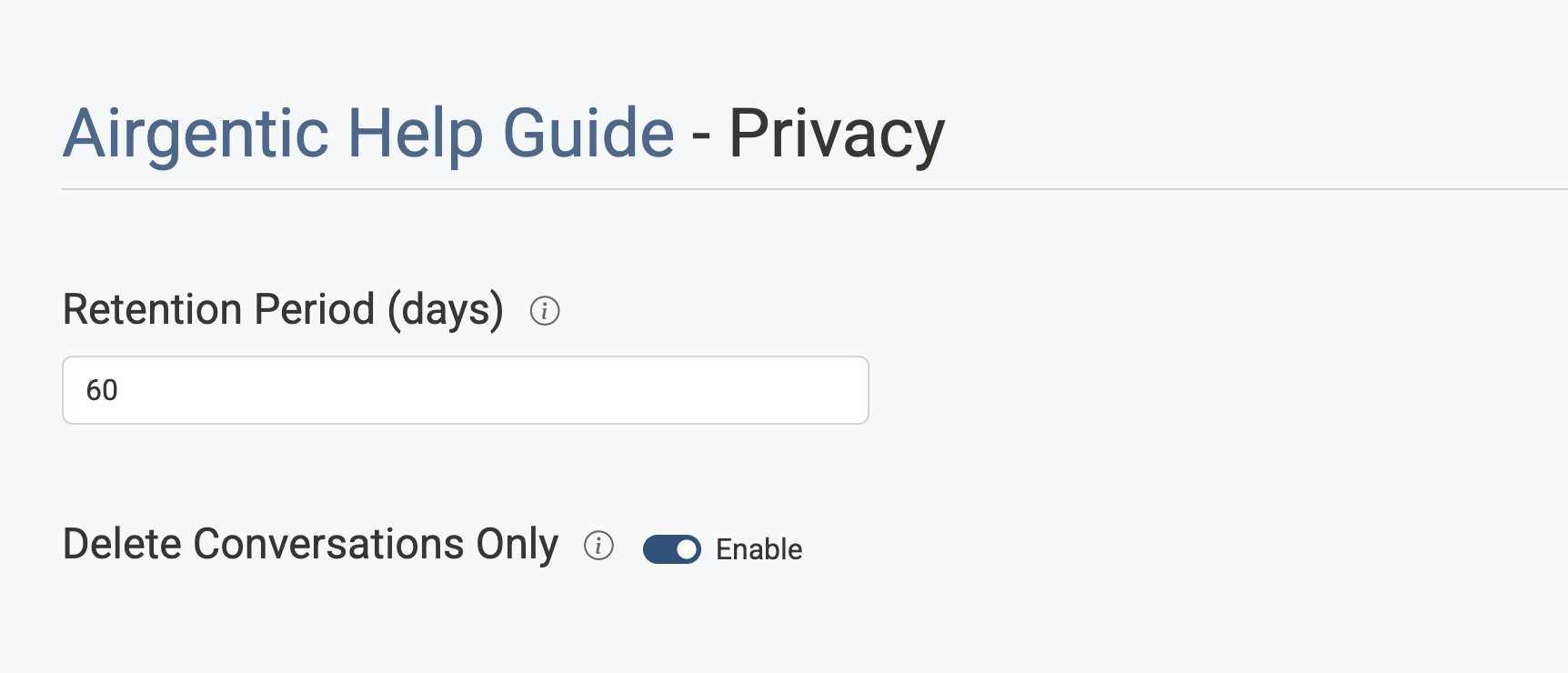
Retention Period (days)
The number of days conversation data is kept before it is automatically deleted.
- Set to
0to disable automatic deletion (data is kept indefinitely). - Once the retention period has elapsed, a scheduled process deletes data according to the Delete Conversations Only setting below.
Delete Conversations Only
Controls exactly what is removed when the retention period expires.
- Enabled — Only the conversation content (the messages themselves) is deleted. Metadata such as session identifiers and timestamps is retained.
- Disabled — All conversation data, including both content and metadata, is deleted.
Use "Delete Conversations Only" if you need to preserve aggregated or anonymised usage statistics while still removing personal conversation content.