Help
Crawler Settings Field Mappings
Airgentic Help
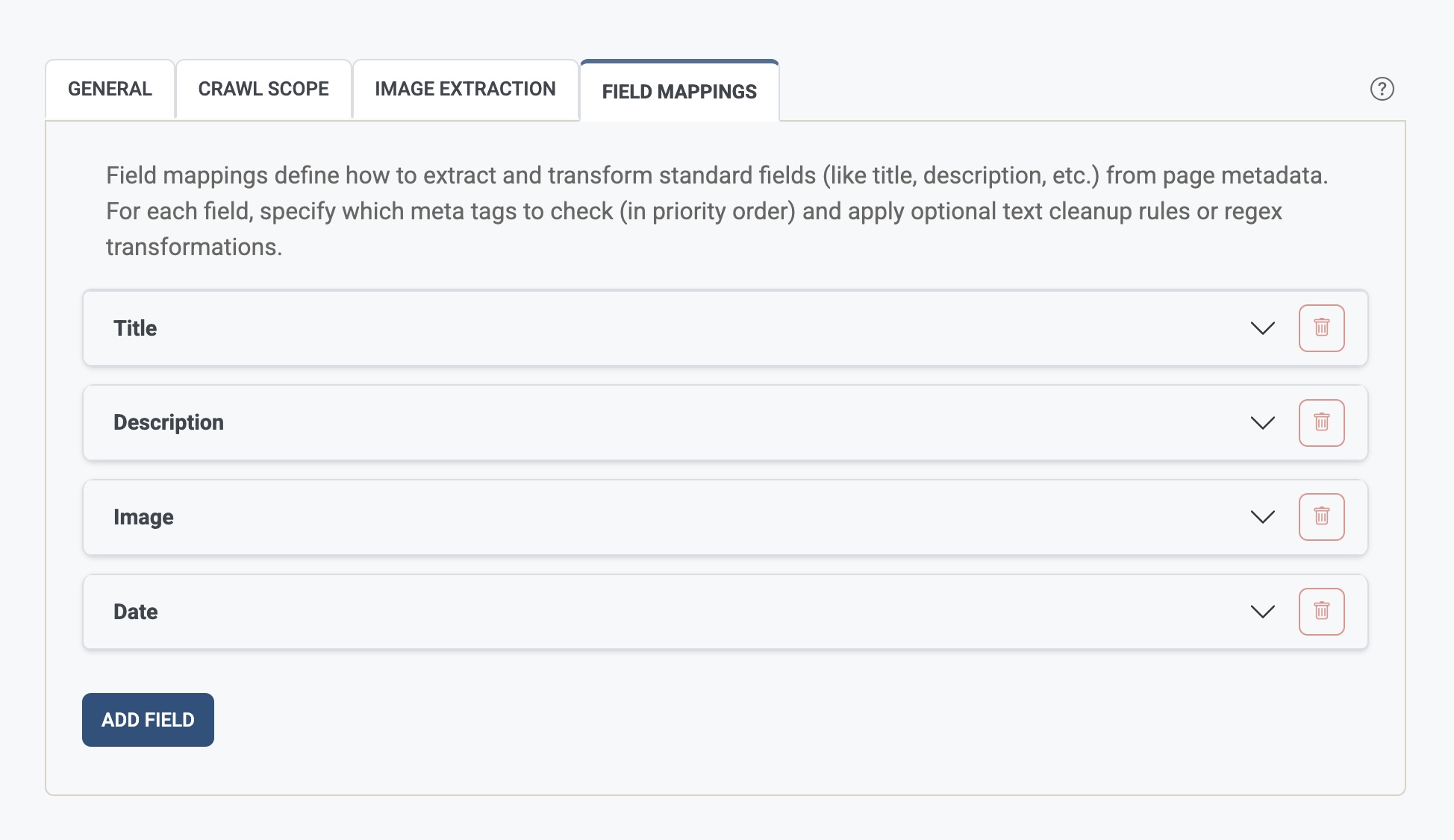
The Standard Result Fields tab defines how to extract and transform standard metadata fields (such as title, description, image, and date) from each page. For each field you specify which meta tags to check, in priority order, and optional cleanup or regex transformations. → Open Crawler Settings (Standard Result Fields tab)
What is a standard result field mapping?
Each mapping has:
| Part | Purpose |
|---|---|
| Field name | The name of the field (e.g. title, description, image, date). |
| Metadata priority | Ordered list of meta tag names (e.g. og:title, twitter:title, title). The first one found is used. |
| Remove text from field | Optional list of literal strings to strip from the value (e.g. \| Company Name, - Website). |
| Regex transforms | Optional pattern/replacement pairs applied after extraction (e.g. trim a suffix using a regex). |
The crawler stores the resulting values and they are used for search, citations, and display.
For existing web crawl services, these settings usually remain the active source for title, description, image, and date. The Search Configuration screen may also show those standard fields under Fields, but they are informational/read-only unless the service is explicitly configured to use Search Fields for standard result fields.
Field name
The internal name of the field (e.g. title, description, image, date). Use lowercase and avoid spaces. Common standard names are title, description, image, and date.
Metadata priority
An ordered list of meta tag names to inspect. The crawler looks at each in turn and uses the first non-empty value.
- Examples:
og:title,twitter:title,titlefor a title field;og:description,descriptionfor description. - Order matters: put the preferred source (e.g. Open Graph) first.
Remove text from field
A list of literal strings that are removed from the extracted value if present. Use this to strip a site-wide suffix or prefix (e.g. | Company Name, - Website) so the stored value is clean.
Regular expression field transforms (Advanced)
Pattern/replacement pairs applied to the value after extraction and after any “remove text” rules. Use standard regex syntax; in the replacement you can use capture groups (e.g. $1).
- Example: pattern
^(.+?) \|.*$, replacement$1— keeps only the part before| …. - Transforms are applied in the order listed.
Adding and removing standard fields
- Add field — Creates a new standard result field mapping. Fill in the field name and at least one metadata source; optionally add remove strings and regex transforms.
- Remove (trash icon) — Deletes that standard field mapping. Save the form for the change to take effect.
For additional filter or result-card fields such as delivery, credential, or subject_area, use Search Configuration > Fields instead.
Saving and reprocessing
When you change standard result field mappings and save, you may be asked whether to trigger an index update. If you do, the new mappings are applied during the next indexing run. If you don’t trigger it, the config is saved but you’ll need to run reprocessing later for the changes to affect search and citations.