Help
Overview
Airgentic Help
Agents are specialist AI assistants that handle specific types of questions. Each agent has its own system prompt, role description, available functions, and search scope. The Frontline agent handles all questions by default and delegates to specialist agents when appropriate.
Example specialist agents include:
- flight arrival & departure lookup agent
- property tax bill enquiry specialist
- store finder map search agent
- aged care provider service concierge
Manage agents on the Configure Agents screen and prompts on the Edit Prompts screen.
The Configure Agents screen lists all agents for your service and lets you add or remove them.
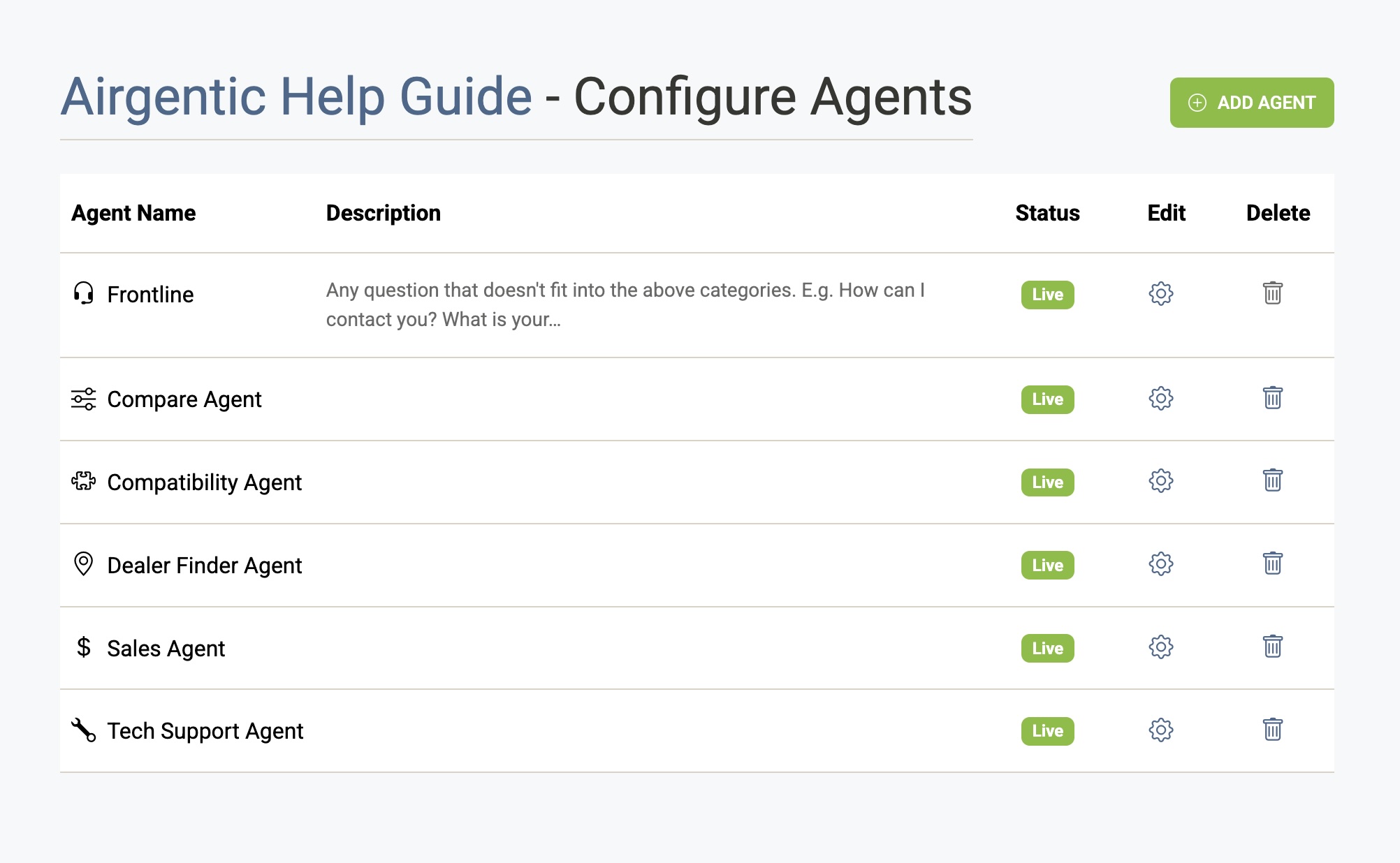
The Agent List
Each row shows:
| Column | Description |
|---|---|
| Agent Name | The agent's display name and icon. |
| Description | A short summary of the agent's role, drawn from its Role field. |
| Status | Live (active for all users), Testing (Admin Chat only), or Off (disabled). |
| Edit | Opens the agent configuration screen. |
| Delete | Permanently deletes the agent (not available for the Frontline agent). |
Click any row to open the agent configuration, or click the gear icon directly.
The Frontline Agent
The Frontline agent is a special built-in agent that handles all questions by default and decides whether to delegate them to a specialist agent. It is always active and cannot be deleted. Many of its configuration fields are disabled on the edit screen.
Adding an Agent
Click Add Agent and enter a name using letters, numbers, and spaces only. The agent is created with a status of Testing and a matching agent prompt already set as its Initial Prompt. After creation, open it to set its role description and functions, and to customise the prompt.
See Creating an Agent for the full step-by-step workflow.
Deleting an Agent
Click the trash icon on any non-Frontline agent. You will be asked to confirm — deletion is permanent and cannot be undone.